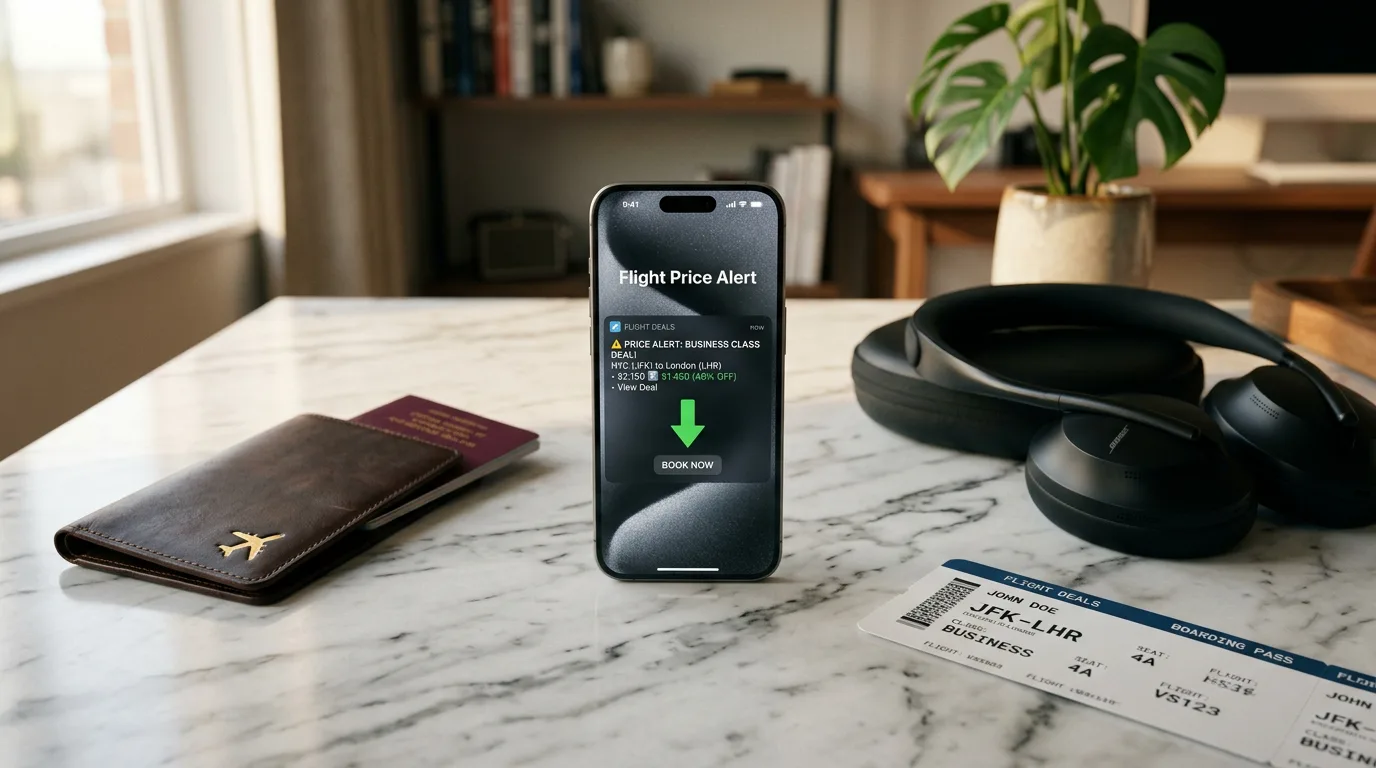
Why Business Class Alerts Are Different
Economy flight alerts are everywhere. Dozens of apps, email lists, and browser extensions will notify you about cheap economy fares. But business class? That's a fundamentally different market.
Business class fares behave differently
Higher price volatility (swings of $2,000+ are common), limited inventory released in small batches, time-sensitive drops that last hours not days, and complex routing where connecting flights unlock hidden deals.
A generic fare alert service that treats all cabins equally will either overwhelm you with irrelevant economy alerts or miss the nuanced business class opportunities entirely.
The 2026 Landscape: What's Available
Google Flights (Free)
The gold standard for flight search, and entirely free. Google Flights lets you track specific routes and will send email alerts for price changes.
Pros: Free, comprehensive coverage, direct airline prices Cons: No filtering by business class only, no target budget alerts, no historical context, no market analysis Best for: Quick manual searches. Not great for systematic long-term monitoring.Going (formerly Scott's Cheap Flights) — $49–$199/year
Going specializes in finding mistake fares and deals. Their Premium and Elite tiers include business class alerts.
Pros: Human-curated deals, mistake fare expertise Cons: You can't choose your specific routes — they alert on whatever deals they find. No target budget support. Best for: Flexible travelers who'll fly anywhere if the price is right.BusinessClassSignal — $36–$78/month
Purpose-built specifically for business class fare monitoring. You define your exact routes, dates, and target budget — the system monitors your specific markets and alerts you when your criteria are met.
Pros: Business class only, route-specific monitoring, target budget alerts, daily/weekly market briefings with AI analysis, direct Google Flights booking links, 400+ airlines Cons: Subscription-based (but includes a 14-day free trial), focused on business class only Best for: Travelers who know where they want to go and want to time their purchase optimally.
Hopper — Free with in-app booking
Hopper uses price prediction to tell you whether to buy now or wait. Primarily a booking app.
Pros: Price prediction feature, free to use Cons: Pushes you toward in-app booking (with markups), limited business class focus, predictions aren't always accurate for premium cabins Best for: Casual travelers who want a simple "buy or wait" answer.Head-to-Head Comparison
| Feature | Google Flights | Going | BusinessClassSignal | Hopper |
|---|---|---|---|---|
| Business class focus | ⚠️ All cabins | ⚠️ Some deals | ✅ Exclusive | ⚠️ All cabins |
| Custom route monitoring | ❌ | ❌ | ✅ | ❌ |
| Target budget alerts | ❌ | ❌ | ✅ | ❌ |
| Market briefings | ❌ | ❌ | ✅ | ❌ |
| Historical price context | ❌ | ❌ | ✅ | ⚠️ Limited |
| Direct airline booking | ✅ | ✅ | ✅ | ❌ In-app |
| Price | Free | $49–199/yr | $36–78/mo | Free |
| Free trial | N/A | ❌ | ✅ 14 days | N/A |
What About Economy Alerts?
This article focuses on business class monitoring, but it's worth mentioning that economy travelers have strong options too. FlightKitten is a dedicated economy fare tracker that scans 220+ airlines — including budget carriers like Ryanair and Spirit that most business class tools ignore. It uses a similar watchlist-and-alert model with AI-powered briefings, starting at $4.99/mo. Worth a look if you're monitoring economy fares alongside your premium routes.
The Concierge Alternative
All the tools above are self-service — you monitor, you decide, you book. But there's another approach entirely. BestBusinessClass.com is a concierge travel agency where real humans research, build, and book your business class itinerary. They access unpublished consolidator fares that self-service tools can't surface, and often save travelers up to 40%. Worth considering if you'd rather outsource the entire process.
Which Tool Should You Use?
— The optimal strategy
Use Google Flights for research, BusinessClassSignal for ongoing monitoring with alerts, and keep an eye on Going for opportunistic mistake fares.
Test automated business class monitoring for free. 14-day trial, cancel in two clicks.
Start Your Free Trial