Quick summary
Google Flights is genuinely useful for finding business class deals — if you know which features to actually use. The price graph, flexible date search, and Explore map can surface fares that most people never see. This guide covers how to get the most out of each tool, where Google Flights falls short, and how a monitoring service like BusinessClassSignal can catch the deals that disappear before you'd ever find them manually.
Why Google Flights is worth your time (and where it isn't)
Let me be direct about something most travel sites won't say: Google Flights is not a booking engine. It's a search tool. You can't actually buy a ticket through it in most cases — it hands you off to the airline or an OTA. And for business class specifically, it has some real blind spots that will cost you money if you don't know about them.
That said, I use it almost every week. It's fast, the calendar view is genuinely good, and the price tracking feature — while basic — does the job for casual monitoring. For anyone who doesn't want to pay for a dedicated service or isn't yet sure which routes they want to watch, Google Flights is the right starting point.
The problems come when you're chasing a specific deal, need to cover a lot of routes at once, or want to catch a fare that's only live for 18 hours. That's where it breaks down. But we'll get to that.
Setting up a business class search correctly
Sounds obvious, but I see people get this wrong constantly. When you search on Google Flights, the default cabin class is economy. You need to change it to "Business" before you start anything else — it's in the dropdown on the left side of the search bar, next to the passenger count. If you forget and run the search in economy, then switch, the results don't always refresh cleanly. Just set it first.
One thing that trips people up: Google Flights separates "Business" and "First" class. On most airlines, especially on long-haul routes, what's marketed as business class is the premium flat-bed product. But some carriers — Japan Airlines, Lufthansa, Air France — still operate true four-cabin aircraft on certain routes, and on those, "business" and "first" are genuinely different products. If you search "Business" on a JAL Tokyo route, you might be looking at a completely different seat and price than if you'd searched "First." Worth knowing before you spend 20 minutes comparing fares.
Always run your search twice — once in Business and once in First — on routes operated by carriers that still have true first class. You'll sometimes find the gap in price is smaller than you'd expect, especially during a sale.
Once you've got the cabin set correctly, put in your origin and destination and don't hit search yet. Turn on "Flexible dates" first.
The price graph is the most underrated feature in Google Flights

Most people use Google Flights like a basic search engine: put in dates, see prices, pick the cheapest. That approach misses a lot.
The price graph — which shows up as a bar chart beneath your search results when you click "Date grid" or "Price graph" — is where Google Flights actually earns its reputation. For business class searches, it'll show you price variation across a 60-day window at a glance. You're looking for the valleys.
Here's what I've found after years of using it: business class fares on transatlantic routes tend to be lowest on Tuesday and Wednesday departures, and highest on Sundays and Mondays. The graph makes this pattern visible immediately. On a JFK-LHR search right now, I can see that a Thursday departure in late March is sitting around $2,400 round-trip on British Airways, while the Monday departure the same week is $3,800. Same plane. Same seat. That's a $1,400 difference for picking a different day.
The grid view is slightly different — it shows a matrix of outbound vs. return dates, so you can optimize both ends of the trip simultaneously. I find this more useful for shorter trips where the return date is flexible. For a five-night trip, I'll sometimes spend ten minutes just sliding the return date around the grid to find the combination that drops $800.
How do I read the price graph for business class?
The bars represent the lowest available fare for that date. In business class, that lowest fare is usually — but not always — a sale fare or a specific booking class that has limited seats. When you see a bar that's noticeably shorter than the ones around it, that's worth clicking. Sometimes it's a genuine sale. Sometimes it's a misfiled fare. Occasionally it's a mistake fare that's about to be pulled.
The color coding matters too. Green bars indicate "low" prices relative to the route's historical range. Grey is typical. You want green. But don't assume green means cheap in absolute terms — on a route like Sydney to London, "green" might still be $4,500. It just means it's low for that route.
One limitation: the graph doesn't show you seat availability. A fare might show as $2,200, but there could be exactly one seat left at that price. By the time you notice the green bar, click through, spend five minutes reading the fare rules, and go to book — it's gone. This is the core problem with manual searching on any platform, Google Flights included.
Using Google Flights Explore to find business class deals you hadn't considered
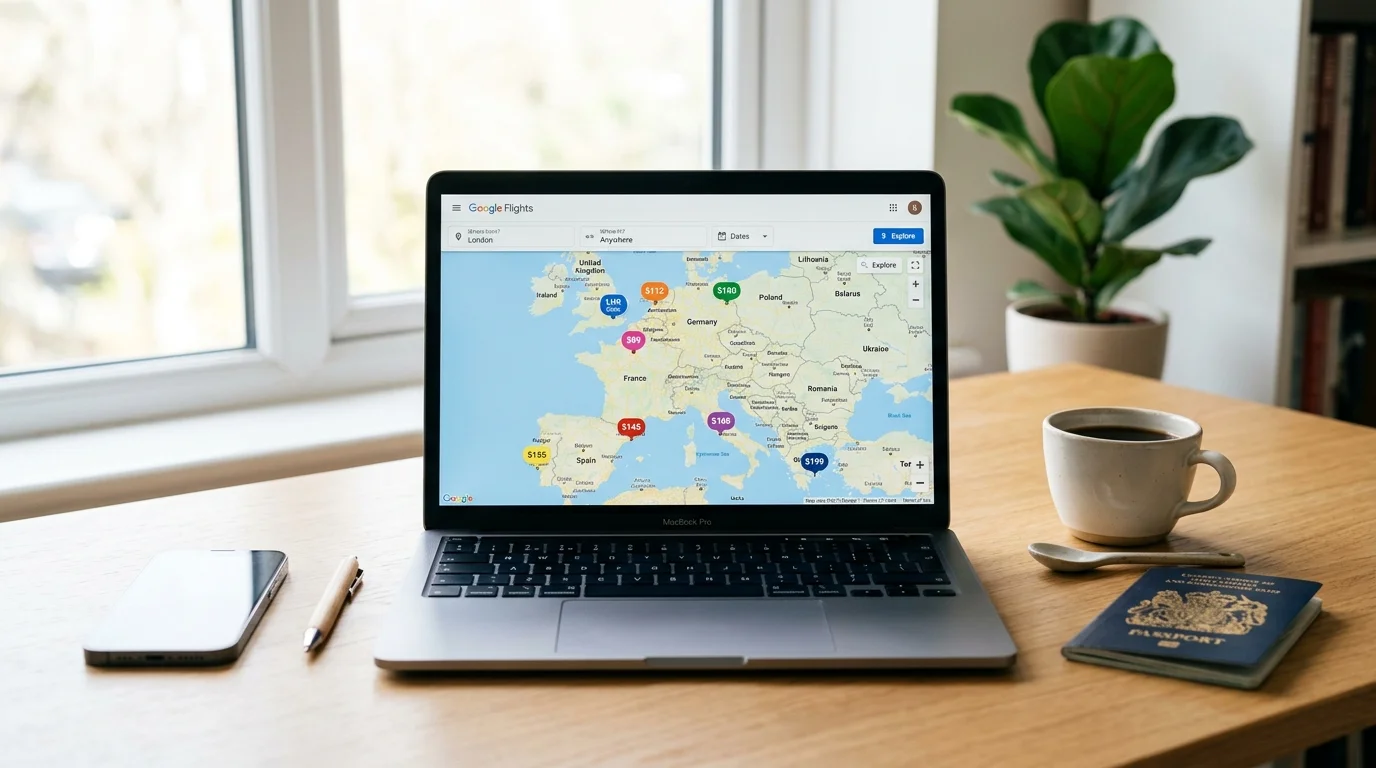
The Explore map is the feature most people don't know about, and it's genuinely useful if you have geographic flexibility. You get to it by leaving the destination field blank and hitting search — Google then populates a world map with prices to various destinations from your origin.
Switch the cabin to Business before you do this. The prices that populate are business class fares, and you can filter by region, trip length, and budget. It's not perfect — the data can be a day or two stale on some routes — but it gives you a picture of where the value is right now.
I've found some genuinely good fares this way. Last autumn I was looking at the Explore map from LAX with a budget around $2,000 round-trip in business class, and Tokyo came up at $1,840 on ANA. I hadn't been planning to go to Japan. I went to Japan.
The Explore map is also good for what I'd call "route scouting" — figuring out which regions are cheap right now so you can then go do a more targeted search. Southeast Asia is often cheap from the West Coast. The Gulf carriers (Emirates, Qatar, Etihad) frequently run sales to their hubs that make European connections surprisingly affordable. The map surfaces these patterns without you having to already know to look.
Explore tip
When you find an interesting destination on the Explore map, don't book immediately. Click through to the full search, check the price graph, and see if the fare is part of a broader sale window or just a single date anomaly. You'll often find adjacent dates that are even cheaper.
Google Flights price tracking — what it actually does
You can set up price tracking on Google Flights by toggling the "Track prices" switch on any search. Google will email you when the fare changes. It's free. And for casual travelers checking one route, it works well enough.
But here's where I have to be honest about the limitations, because I've watched people miss deals relying on this feature.
First, the tracking emails are not fast. Google sends them daily at best, sometimes less frequently. A business class mistake fare — the kind that's $900 round-trip to Europe and disappears in six hours — will never get caught by a Google Flights alert. By the time the email lands, the fare is gone and the airline has repriced.
Second, Google Flights tracks the route but not your specific target price. You'll get an alert saying "prices have changed on your route" — which could mean the fare went up $200 or down $400. You have to click through and check. It's not filtering for deals, it's just notifying you of movement.
When should I use Google Flights price tracking vs. a dedicated service?
If you're planning a trip six or more months out and you're genuinely flexible on price — meaning you'd be happy at $3,000 but thrilled at $2,000 — Google's built-in tracking is probably enough. Check it when the email comes in, see if it's moved your way, make a decision.
If you're hunting for a specific threshold (say, "I want to fly business class to Paris for under $1,800 round-trip"), or you're watching multiple routes at once, or you know from experience that fares on your route move fast — you need something more targeted.
This is exactly the problem BusinessClassSignal was built to solve. The system scans over 800 business class routes twice daily and alerts you the moment a fare drops below your personal target price. You set the threshold, you pick the route, and you get a notification when the deal actually hits — not a vague "prices changed" email 18 hours later. You can see how the monitoring system works if you want the details on how it's structured.
Using Google Flights data the right way — and what's happening under the hood
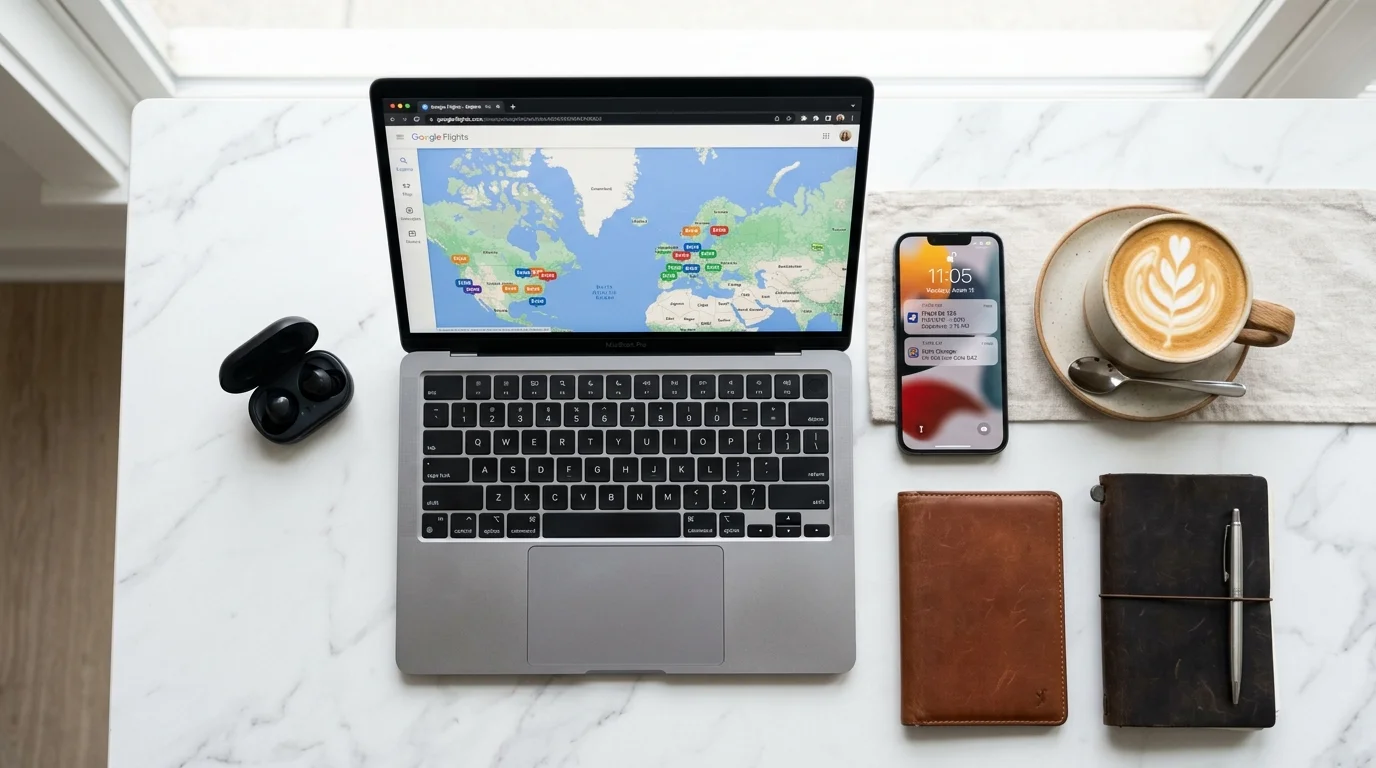
Something I should mention: BusinessClassSignal's fare data is sourced from the same underlying feed that powers Google Flights. So when you see a deal surface in our alerts, it's drawing on the same pricing data you'd find if you searched manually — just processed automatically, filtered against your target, and delivered to you before you'd have thought to look.
This matters because it means there's no "secret" source of fares that one tool has and another doesn't. What separates a monitoring service from manual searching isn't access to different data — it's speed, frequency, and the filtering layer. Google Flights shows you everything; a good monitoring service shows you only the things that cross your threshold.
The practical implication: don't think of BusinessClassSignal and Google Flights as competitors. I use both. Google Flights for exploration and planning; BusinessClassSignal for actually catching deals. They serve different moments in the process.
Specific Google Flights tricks for business class that most people skip
A few things that have saved me real money over the years:
The "nearby airports" toggle. On the search page, there's an option to include nearby airports. For business class searches, this can surface some meaningful differences. Searching from New York with nearby airports enabled will include JFK, EWR, and sometimes LGA. The pricing differences between carriers departing from JFK vs. EWR can be substantial on the same day — I've seen $600 gaps on transatlantic routes. Stopovers as a feature. The "Stops" filter defaults to "Any" in Google Flights, which means one-stop itineraries are included in your results. Don't automatically filter to nonstop. Some of the best business class products in the world are on connecting itineraries — Qatar Airways through Doha, for instance. I've flown QSuites on a JFK-DOH-NRT routing for less than I'd have paid for a direct United flight in a seat that honestly isn't in the same category.Watch the connection time
When Google Flights shows a connecting business class itinerary, always check the connection time before getting excited about the price. A 75-minute connection in Heathrow Terminal 5 is fine. A 55-minute connection in Frankfurt on a day with any weather is a gamble. The fare doesn't compensate you for the stress.
Before you book anything you found on Google Flights, check the airline's website directly. Occasionally the airline is running a promotion that isn't fully reflected in Google's results, or there's a slight price difference due to how fees are displayed. Takes 90 seconds and occasionally saves you $50–150.
Where Google Flights genuinely falls short for business class
I've spent most of this article explaining how to get value from Google Flights, so let me balance that with where it lets you down.
Award availability. Google Flights shows cash fares only. If you're using miles — Avios, AAdvantage, United MileagePlus, whatever — Google Flights is useless for finding availability. You need to go to the airline's own site, or use a tool like Seats.aero or the airline's own award search. This is a significant gap for anyone who accumulates points.
Historical pricing data. Google Flights shows you current fares and a rough "typical price" range, but it doesn't give you detailed historical data. If you want to know what JFK-HND business class has averaged over the past 18 months, you can't get that from Google. Knowing the historical range matters because it tells you whether a "sale" price is genuinely low or just marketing.
Fare rules and baggage. This is the one that bites people. Google Flights summarizes fare conditions, but the summaries are often incomplete. Business class fares vary enormously in flexibility — some are fully refundable, some have $400 change fees, some are non-refundable entirely. The difference between a $2,100 flexible fare and a $1,700 non-refundable one might be worth it to you, or might not, but Google Flights doesn't make that comparison easy. Always click through to the airline and read the fare rules before you buy.
And — going back to the speed problem — Google Flights simply wasn't designed for deal-hunting at the pace premium cabin deals move. A flash sale from Lufthansa on their Frankfurt routes might be live for 12 hours. A misfiled fare on Cathay Pacific to Hong Kong might last six. You're not going to catch those by checking Google Flights twice a day. You need something that's watching for you.
If you've been reading this and thinking you want to watch a specific route — say, London from New York, or Tokyo from the West Coast — the most efficient thing you can do is start monitoring that route with a target price set slightly below what Google Flights currently shows. When a sale hits, you'll get the alert. When a mistake fare appears, you'll have a shot at it.
You can also browse all routes we currently cover to see if your route is in the system.
Start monitoring business class fares — 14-day free trial
Try FreeBusinessClassSignal runs a 14-day free trial with no card required. You set your routes, set your target price, and the system watches. If nothing drops below your threshold during the trial, you haven't lost anything. If a deal hits, you'll see exactly why manual searching isn't enough.
Google Flights is where I start. But it's not where I stop.