Quick summary
Last spring I saved $2,400 on a round-trip business class ticket from New York to Tokyo by setting a price alert and waiting. This is the full story — the route, the timeline, the exact price I paid, and what actually made it work. If you've ever wondered whether fare monitoring is worth the effort, this should answer it.
I want to be upfront about something: I write about business class for a living, which means I have slightly more tolerance for obsessing over fare calendars than most people. But the thing I'm describing here isn't some elaborate 47-step miles-and-points scheme that requires three credit card sign-ups and a spreadsheet. It's genuinely simple. Set a target price. Get an alert. Book when it fires. That's it.
What I saved was $2,400. On a single ticket. And the only reason it happened is because I wasn't watching the fares manually — I had an automated system doing it for me, which is the only way this actually works at scale.
The route, the context, and why I almost paid full price
The trip was New York JFK to Tokyo Haneda, returning from Narita. I was covering the reopening of All Nippon Airways' premium product for the site, and I wanted to fly ANA's business class both ways if I could swing it. The problem was timing. I was planning about 11 weeks out, which is not the sweet spot for business class fares — you're past the deep-advance window but not yet into the last-minute liquidation zone, if one even materializes.
When I first pulled up fares in late February, the cheapest round-trip I could find on ANA was $5,940. That's not unusual for JFK-HND in business — the route regularly sits between $5,500 and $7,200 depending on season and how aggressively ANA is filling seats. I've paid $6,100 on that route before and considered it reasonable. But $5,940 felt high for an 11-week lead time in early spring, before the Golden Week rush.
I almost booked it anyway. I had a deadline and a real tendency to just pull the trigger when a fare looks "fine." But instead I set an alert on BusinessClassSignal for JFK to HND, with a target of $3,800 round-trip. That number felt aggressive — maybe 35% below what I was seeing — but I had enough flexibility in my travel dates (a four-day window either side) that I thought it was worth a shot.
How the alert system actually works
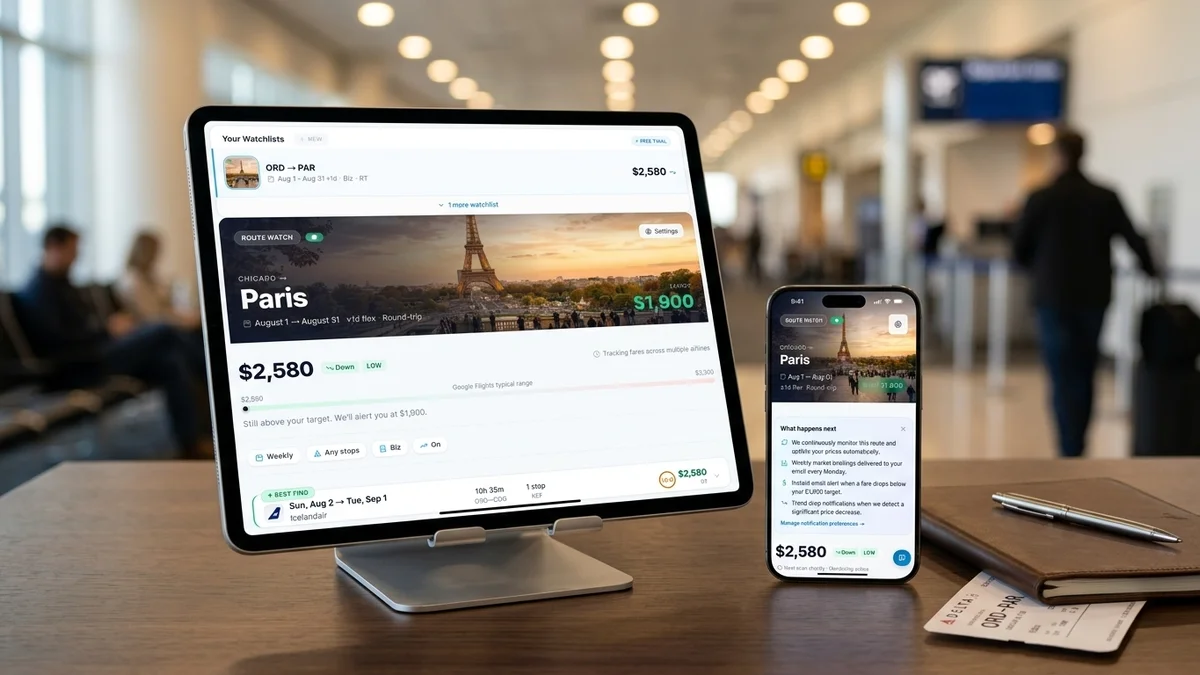
BusinessClassSignal is a fare monitoring service that scans over 800 business class routes twice a day and flags when prices drop below whatever threshold you've set. You put in your origin, destination, approximate travel window, and target price. When the system finds a fare at or under that number, it emails you immediately. Not a weekly digest. Not a "here are some deals you might like." An alert, right then, because these fares don't last.
The twice-daily scan matters more than it sounds. Business class fares can open and close in hours. I've watched a $2,200 transatlantic fare on British Airways appear at 11pm and be gone by 7am. If you're checking manually, even once a day, you'll miss most of them. The whole point is that the system is watching when you aren't.
Set your target below what you'd actually pay
Most people set their alert at the price they'd "feel good about." Set it 10–15% lower than that. The alert fires, you check availability, and if the fare is slightly above your threshold, you still have time to decide. If you set it too high, you'll get alerts for fares you'd have found yourself anyway.
How long does it usually take to get an alert?
Honestly, it varies wildly by route. On something like New York to London, alerts fire fairly regularly — maybe once every two or three weeks during off-peak periods. Transatlantic is a competitive market and airlines are constantly adjusting. JFK to Tokyo is thinner. There are fewer carriers, less price competition, and ANA and Japan Airlines don't discount as aggressively as European carriers do.
I set my alert on February 24th. The alert fired on March 11th. Fifteen days of not thinking about it.
The email came in at 6:42am. ANA had opened a sale fare on JFK-HND for $3,499 round-trip, valid for travel between late March and mid-May, with a Saturday departure requirement on the outbound. My window included two Saturdays. I was on the ANA booking site within ten minutes of reading the email.
What the actual booking process looked like
This is where I want to be specific, because the gap between "an alert fires" and "you have a ticket" is where people lose fares.
The Saturday requirement narrowed my options to two outbound dates. One of them had business class availability on the nonstop JFK-HND service. The other only had availability on a connection through Chicago, which I wasn't interested in. So there was really only one workable option, and I took it without deliberating too long.
Total booking time: about 22 minutes from opening the email to confirmation number in my inbox.
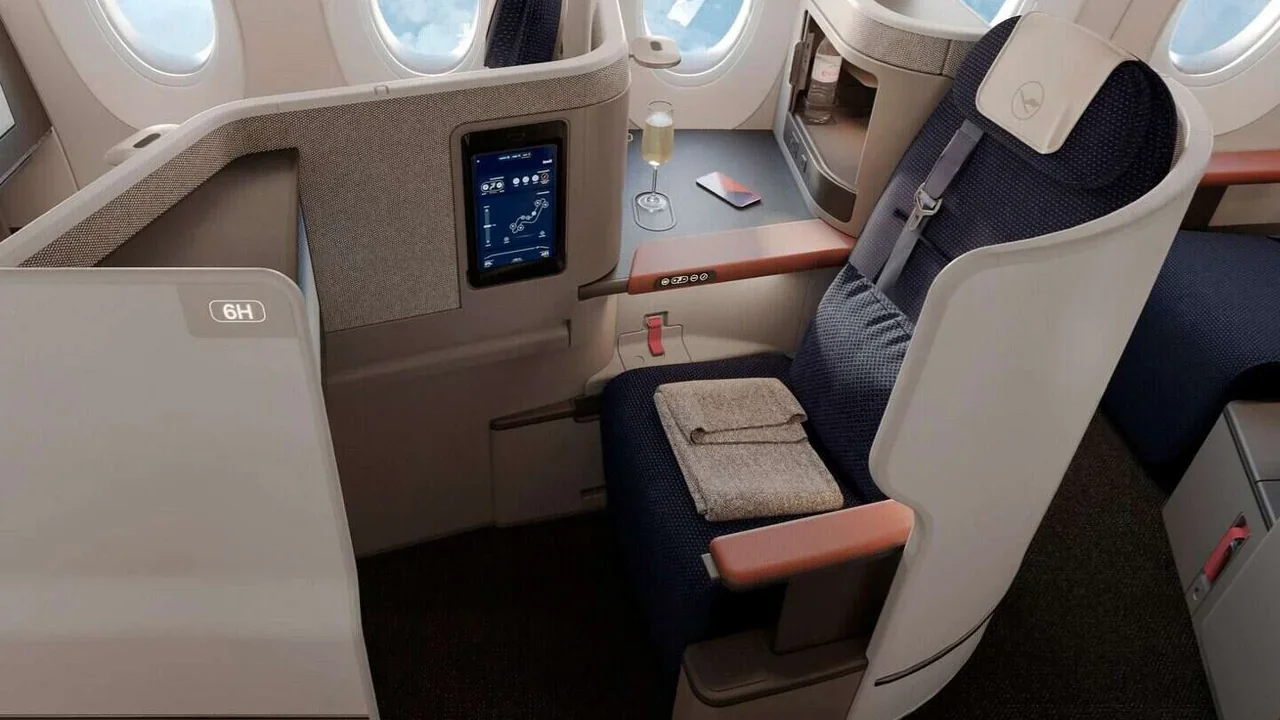
The fare I paid was $3,541 after taxes, which on ANA's JFK-HND route put me in their Business Staggered configuration — the one with the alternating forward and rear-facing seats, direct aisle access on every seat, and the padded headrest that's genuinely one of the better ones I've used on a long-haul overnight. Not the new The Room product, which only runs on some of their 777-300ER aircraft. But solid. I've paid $5,800 for that same seat.
Would I have found this fare without the alert?
Almost certainly not. And I want to be honest about why, because the answer is a little embarrassing.
I checked fares manually on February 24th, the day I set the alert. I did not check again. Not once. Partly because I was busy, partly because I trusted the system to do it, and partly because manually checking a fare every day for two weeks is exactly the kind of tedious task that sounds manageable until it isn't. By day four you're checking less. By day nine you've forgotten.
The March 11th sale was a limited-time promotional fare that ANA ran for about 30 hours before pulling it. I know this because I went back and checked the fare after booking — by the next morning, the price was back above $5,000. If I'd been checking manually, I would have needed to check at exactly the right time on exactly the right day. The odds of that are not good.
These fares close fast
ANA's promotional business class fares on long-haul routes often last 24–48 hours, sometimes less. I've seen them disappear in under 12. If you're not set up to catch them immediately, you won't catch them at all.
The math on what I actually saved
When I booked, the standard fare on ANA for those exact dates was $5,940. I paid $3,541. That's a difference of $2,399 — I've been rounding to $2,400 because the extra dollar feels pedantic.
The BusinessClassSignal subscription I was on at the time was the annual plan, which works out to about $12 a month. So for that one booking, the ROI is not something I'm going to waste time calculating. It's absurd.
Now, I want to be fair here: I had flexibility in my dates, which helped. If I'd been locked to a specific Saturday with no alternatives, the alert might have fired on a date I couldn't use. Date flexibility is probably the single biggest factor in whether fare monitoring actually pays off for you. The wider your window, the more likely a sale fare lines up with something you can actually book.
I've talked to subscribers who have a strict five-day window and still catch deals, but they're working harder and accepting that some alerts won't be actionable. If you're completely date-locked, the system still helps — you're not going to find a fare the system misses — but your hit rate on usable alerts will be lower.
A few business class savings tips that actually moved the needle
Beyond the alert itself, there were a few things that made this booking work that are worth laying out plainly.
First, I targeted a specific airline rather than casting wide. ANA has a pricing pattern — they run periodic sales, particularly in the February-to-April window when they're filling capacity before Golden Week. If you understand the airline's behavior, you can set a more realistic target price. I've written before about how ANA prices its long-haul business class, and the short version is that their promotional fares tend to cluster around 40–45% off standard, not 60%. Setting my target at $3,800 was calibrated to that pattern.
Second, I booked directly on ANA's site rather than through an OTA. This matters for two reasons: ANA's promotional fares sometimes don't appear on third-party booking engines at all, or appear with a lag of several hours. And direct bookings are easier to modify if something changes.
Third, I didn't wait to see if the price would drop further. This is the mistake I see constantly. The alert fires, someone thinks "well, maybe it'll go lower," and they wait. Sometimes it does go lower. More often it goes back up. A good fare is a good fare. Book it.
When an alert fires and the fare is at or near your target, check availability before you do anything else. If there are only two or three seats at that price, you don't have time to sleep on it.
And fourth — this one is boring but real — I had my ANA Mileage Club number, passport details, and payment info saved. The booking took 22 minutes partly because I wasn't hunting for my credit card. Sounds trivial. It isn't, when a fare is live for 30 hours.
What I'd do differently (and what I wouldn't)
If I'm being honest, I'd set my target price slightly lower. $3,800 was my threshold and the fare came in at $3,499, which means there was probably room to go tighter. I'll never know if a lower target would have still triggered on that fare, but the point is worth making: conservative targets leave money on the table.
The other thing I'd do differently is set up alerts on multiple routes simultaneously. For this trip I was set on ANA nonstop, but Japan Airlines also flies JFK-NRT in business class, and their promotional patterns are slightly different. I've since started running parallel alerts on competing carriers for the same destination, which gives you more shots at a usable deal.
What I wouldn't change is the basic approach. Set the alert, go live your life, book when it fires. The temptation to tinker — checking manually, adjusting the target every few days, trying to time the market — is real and counterproductive. I've been covering this space for 12 years and I've never met anyone who consistently outperforms a well-set alert by trying to manually time fares.
The system exists because the alternative is worse.
One thing I should mention if you're mixing cabins
On this particular trip, I had a friend flying out to meet me in Tokyo for the last four days. She wasn't interested in paying business class prices (fair), so she needed an economy option. I pointed her toward FlightKitten, which does roughly the same thing we do at BusinessClassSignal but for economy fares — it monitors 220-plus airlines and sends alerts when prices fall below whatever target she set. Costs her about $4.99 a month. She ended up booking a fare on Air Canada through YYZ for $780 round-trip, which she was happy with.
If you're planning a trip where some people are flying business and others are flying economy, it's worth having both sides covered. Trying to manually track economy fares while also monitoring business class is a lot. Split the work.
How to use business class savings tips without overthinking it
I've written a lot about when business class fares tend to drop and the patterns I've noticed over the years. But the honest truth is that for most people, the tactical stuff matters less than just having monitoring in place.
Here's what I'd actually recommend:
Pick the routes you fly most or care most about. Set alerts on all of them at a target price that's genuinely below what you'd normally pay — not just "a bit less." Check your email when an alert fires and book fast if the fare works. That's the whole system.
The business class savings tips that circulate online — fly on Tuesdays, book 54 days out, check at midnight — are mostly noise. Some of them have a grain of truth. None of them are reliable enough to build a strategy around. What's reliable is having an automated system watching a route continuously and flagging the exceptions when they happen. That's what actually caught my $3,499 ANA fare at 6:42 in the morning on a Tuesday in March.
Browse available routes
BusinessClassSignal currently monitors 800+ business class routes across all major carriers. If your route isn't listed, you can request it.
The $2,400 I saved on that one booking has funded a lot of the thinking I've done about how fare monitoring actually works in practice. It's not magic and it's not complicated. It's just paying attention at the right moment — and letting a piece of software do the paying attention for you.
I've now caught four fares this way in the past 14 months. The smallest saving was $610 on a London Heathrow to Singapore run with Singapore Airlines. The largest was this Tokyo booking. The average across those four bookings is somewhere around $1,400 saved per ticket. For someone flying business class two or three times a year, that adds up to real money very quickly.
If you want to see how the monitoring system works before committing, the walkthrough on that page is pretty thorough. And if you want to just try it, there's a free trial below.
Monitor your routes free for 14 days — BusinessClassSignal scans 800+ business class routes twice daily and alerts you the moment fares drop below your target price.
Start free trial